#6 A story about a carpenter

An elderly carpenter was ready to retire. He told his employer-contractor
of his plans to leave the house building business and live a more leisurely life with his wife enjoying his extended family.

He would miss the paycheck, but he needed to retire. They could get by.
The contractor was sorry to see his good worker go and asked if he could build just one more house as a personal favor. The carpenter said yes, but in time it was easy to see that his heart was not in his work. He resorted to shoddy workmanship and used inferior materials. It was an unfortunate way to end his career.

When the carpenter finished his work and the builder came to inspect the house, the contractor handed the front-door key to the carpenter. "This is your house," he said, "my gift to you."

What a shock!

What a shame!

If he had only known he was building his own house, he would have done it all so differently. Now he had to live in the home he had built none too well.


The story shows that::
  • We build our lives in a distracted way, reacting rather than acting, willing to put up less than the best. 
  • At important points we do not give the job our best effort. 
  • Then with a shock we look at the situation we have created and find that we are now living in the house we have built. If we had realized that we would have done it differently. 


    Think of yourself as the carpenter. Think about your house. Each day you hammer a nail, place a board, or erect a wall. Build wisely. It is the only life you will ever build. Even if you live it for only one day more, that day deserves to be lived graciously and with dignity. The plaque on the wall says, "Life is a do-it-yourself project." 


    Your life tomorrow will be the result of your attitudes and the choices you make today


      Morale : Do everything in your life with your best effort.
      continue reading "#6 A story about a carpenter"

      How to make your computer super fast?

      As an IT student and also researcher, I always looking at my friend who at the same field get something called slow in their computer. Why this happen? I have thought about it and it may cause of lack of maintenance to their computer. Much weirder when their computer or laptop is much newer than I am, is working very slow than my computer. How is that?

      But in today post I am going to tell you how to make your computer much faster. There is a lot of them, but I'll mention some of I know and works for me.

      • Always defragment your computer hard disk. You can either use default defragmenter by Windows or using free software like SmartDefrag.
      • Clean up hard drive disk space from temporary files, the recycle bin, hibernation and more.
      • Use free software Startup Delayer to load up Windows faster, It will speed up the boot time of Windows by delaying the startup of programs.
      • Turn off useless startup program. You can use the MSCONFIG utility to disable startup programs.
      • Turn off the visual effects in Windows.
      • Clean your registry by removing broken shortcuts, missing shared DLLs, invalid paths, invalid installer references and more. Read about the 10 best and free registry cleaners.
      • One of the main reasons why PC’s are slow is because of spyware. There are many programs to remove spyware including Ad-Aware, Giant Antispyware, SUPERAntiSpyware, and more.
      • Disable unnecessary Windows services, settings, and programs that slow down your computer.
      • Disable User Account Control (UAC) in Windows Vista and 7
      • Delete temporary and unused files on your computer using a free program like CCleaner. It can also fix issues with your registry.
      • Delete your Internet browsing history, temporary Internet files, cookies to free up disk space.
      • Clean out the Windows prefetch folder to improve performance.
      • Change the location of My Documents folder  on a separate partition or hard drive.
      • Use the Windows Performance Toolkit and the trace logs to speed up Windows boot time.
      • Learn to build your own computer with the fastest parts and best hardware.
      • Use a program called TeraCopy to speed up file copying. Install more RAM if you are running XP with less than 512 MB or Vista with less than 1 GB of RAM.
      • Shut down XP faster by reducing the wait time to kill hung applications.
      • Make sure that you have selected “Adjust for best performance” on the Performance tab in System Properties.
      • If you are reinstalling Windows, make sure that you partition your hard drives correctly to maximize performance.Update all of your drivers in Windows, including chipset and motherboard drivers to their latest versions.
      • Every once in a while run the built-in Windows Disk Cleanup utility.
        Remove unnecessary or old programs from the Add/Remove dialog of the Control Panel.
      • Every once in a while, clean your mouse, keyboard and computer fans of dust and other buildup.
      • Replace a slow hard drive with a faster 7200 RPM drive, SATA drive, or SAS drive.
      • Perform a virus scan on your computer regularly. If you don’t want to install virus protection, use some of the free online virus scanners. 
      • Disable the Windows Vista Sidebar if you’re not really using it for anything important. All those gadgets take up memory and processing power.Turn off the Aero visual effects in Windows Vista to increase computer performance.
      • If you are technically savvy and don’t mind taking a few risks, you can try to overclock your processor. Make sure that there are no bad sectors or other errors on your hard drive by using the ScanDisk or chkdsk utility.
      • A more extreme option is to choose a faster operating system. If you find Vista to be slow, go with Windows XP. Switching to Mac or Linux is also an option.
      • One of the easiest ways to speed up your PC is to simply reformat it. Of course, you want to backup your data, but it is the best way to get your computer back to peak performance.

      So that's it. There are sure a lot of other techniques other than mentioned above. So feel free to try and of course you can share this if you like.


       Imagine if your computer are fast like this!
      continue reading "How to make your computer super fast?"

      Pikom PC Fair 2011 - Event

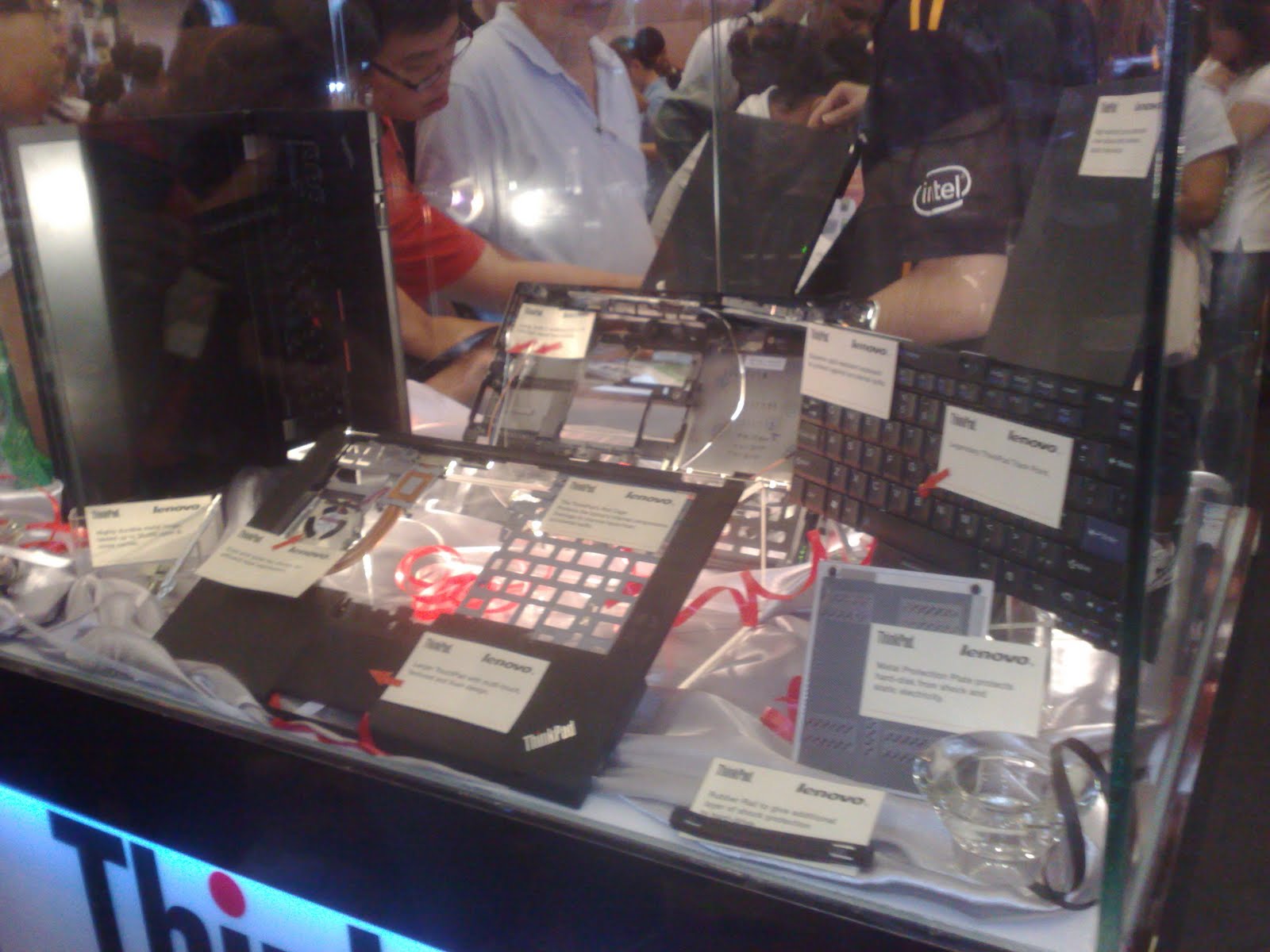
      Last week I went on PC Fair. I was expected by me all the time. The event is a grand and very fun with a lot of new techie stuff and with most of gigantic tech brands were there. These are some of pictures I have made to take.


      There is so much to be shared here. But what can I say, it is a very fun moment. I will be awaiting for next event. Adios.
      continue reading "Pikom PC Fair 2011 - Event"